How to track food cost percentage: a step-by-step guide
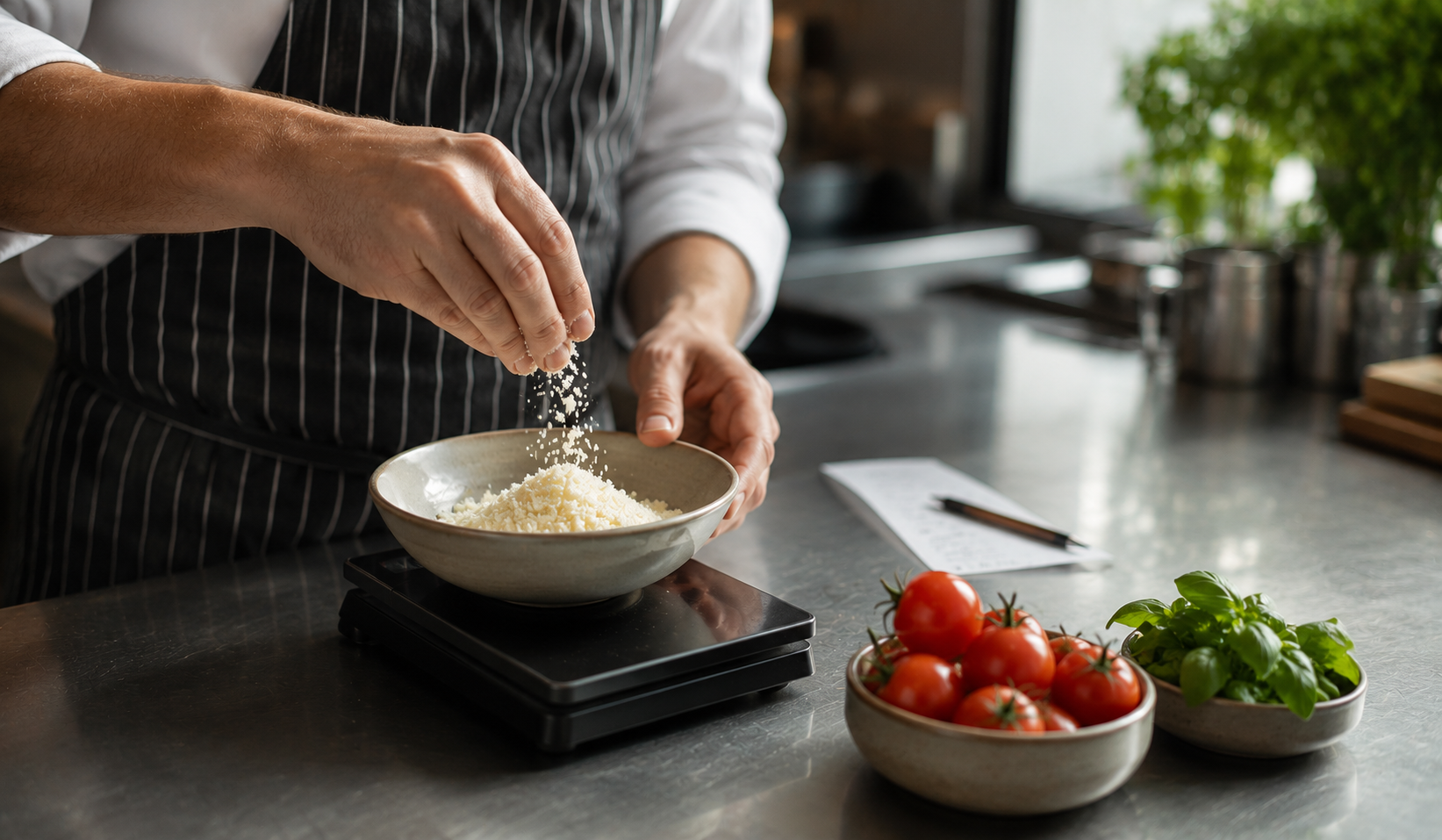
If you only track one number in your restaurant, make it food cost percentage. It tells you, in a single figure, whether your menu is priced correctly, your kitchen is disciplined, and your portioning is honest. Get it right and the rest of the business gets easier.
The formula
Food cost % = (Beginning inventory + Purchases − Ending inventory) ÷ Food revenue × 100
That is it. Everything else is detail.
Realistic targets
- Quick service: 25–30%
- Fast casual: 28–32%
- Full service: 30–35%
- Fine dining: 33–40%
- Bars / beverage-led: 18–25% overall, but most of that is pour cost, not food
The weekly 15-minute routine
- Export sales by menu item for the week (most POS systems do this).
- Export ingredient purchases and ending inventory value.
- Plug into the formula. Compare to last week.
- If you are more than 1.5 points off your target, walk the kitchen and look for the cause: new menu items, new suppliers, portion drift, theft, waste, or pricing that has not been updated.
The two costs people forget
Most operators underestimate food cost because they leave out two line items:
- Employee meals. Track them at cost. If they are 2% of revenue, your “32%” is really 34%.
- Waste and comps. Anything that leaves the kitchen and is not sold should be in your cost number, not added later.
Why this beats “looking at the invoice”
What you spent on food last week is not what food cost last week was. Inventory is the buffer. A restaurant that spent $20,000 on food last week could have a 28% or a 35% cost depending on what was sitting in the walk-in on Monday morning. The formula accounts for that. The invoice does not.
Tools like Finio do this calculation automatically across all locations. If you are running one or two restaurants, a spreadsheet is fine — just be consistent.